
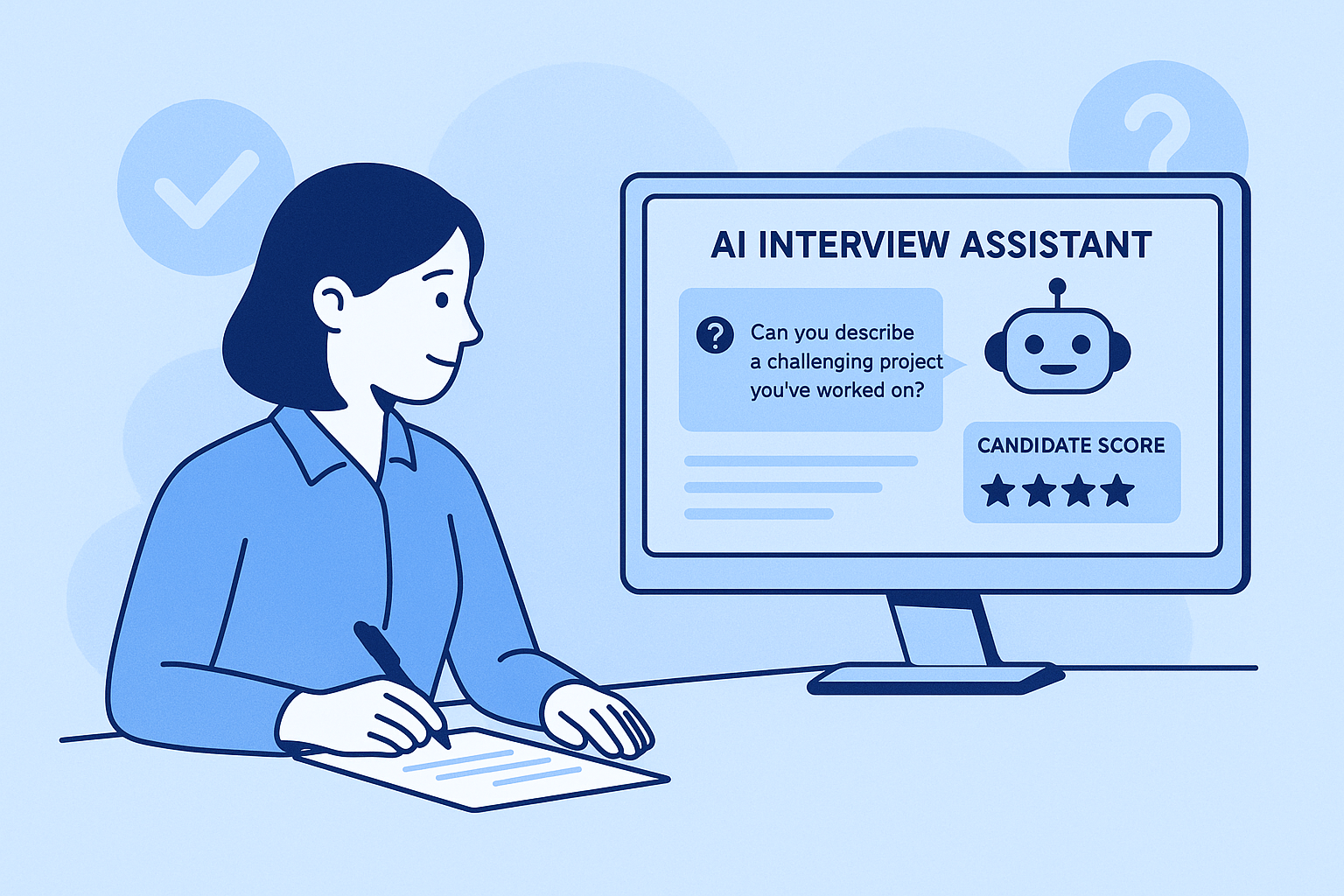
The final round of a remote technical interview often hinges on a single shared-screen coding challenge. A blank editor, a ticking clock, and an interviewer watching your every keystroke create a pressure that even seasoned engineers find difficult to manage. In recent months, tools that promise to analyze problems directly from a shared screen and deliver working solutions in near silence have begun circulating quietly among job seekers. I spent two weeks stress-testing exactly that capability with an AI interview assistant — deliberately throwing obscure LeetCode problems, poorly formatted prompts, and multi-language requirements at it — to understand not just how it performs under ideal conditions, but where it stumbles and why.
The Test Battery: Mimicking the Chaos of a Real Technical Screen
To move beyond anecdotal impressions, I designed a repeatable test suite that reflects the messy reality of live coding interviews. I loaded the desktop client, configured my profile with Python and JavaScript as preferred languages, and joined a series of mock sessions where a colleague shared their screen showing problems drawn from three distinct categories: a graph traversal question with a clean problem statement, a dynamic programming challenge rendered in small, low-contrast font, and a deliberately ambiguous frontend task with missing specifications. For each problem, I measured the time from first visibility to solution suggestion, the correctness of the generated code, and how naturally I could verbalize the reasoning without simply reading the overlay aloud.
The Graph Traversal Problem Under Perfect Conditions
When the interviewer shared a standard “number of islands” variant in a crisp terminal view, the AI processed the screenshot almost instantaneously. The overlay materialized with a clean Python solution built around depth-first search — complete with a helper function and a brief note on time complexity. In my testing, the code was syntactically correct and stylistically readable. The real value lay in the concise explanation that accompanied it: the approach was broken into logical chunks that mirrored what a strong candidate would say aloud, making the interaction feel collaborative rather than scripted.
A Low-Contrast, Compressed Problem Statement
To simulate a common real-world annoyance, my colleague shared a dark-themed editor with a small, low-resolution font. The problem — a dynamic programming coin change variant — was partially cramped, with messy indentation throughout. The AI still extracted the core requirement, but its initial solution missed an edge case involving an empty coin array. A revised suggestion appeared seconds later with the gap addressed, implying the tool had reprocessed the context. From a practical standpoint, that brief delay created a window of uncertainty in which I had to stall verbally. The lesson is clear: unclean inputs degrade performance, and candidates should not expect flawless interpretation when the problem presentation is deliberately difficult to read.
An Under-Specified Frontend Implementation Prompt
The third challenge offered nothing but a vague directive: “Build a searchable product list with a filter.” No API endpoint, no component hierarchy, no styling requirements. The AI produced a high-level React scaffold built on hooks and a controlled input — but it could not, and realistically should not, invent the missing business logic. In this case, the tool offered a sensible starting point rather than a finished answer. The distinction matters. Candidates who mistake the scaffold for a complete solution may find themselves unable to defend their choices when the interviewer begins probing. The tool performs best when the algorithmic or design problem is stated explicitly; in open-ended scenarios, it provides a foundation that still demands genuine engineering judgment.
How the Real-Time Translation Layer Handles Accented Behavioral Questions
During the same sessions, I switched to behavioral rounds and had my colleague pose questions in a deliberately thick accent to stress-test the live transcription capability. The AI displayed a translated version of each spoken question almost simultaneously, allowing me to catch words I might otherwise have misheard. Translation accuracy was generally high, though idiomatic expressions occasionally came through with some stiffness. When I answered a question about conflict resolution, the AI also generated a STAR-structured response in English that I could adapt on the fly. The combination of live translation and structured answer suggestions makes the tool particularly compelling for non-native English speakers navigating interviews in a second language — though fixating on the overlay for too long can noticeably disrupt conversational flow.
The Step-by-Step Process That Delivers a Solution from a Screenshot
Understanding the exact sequence that transforms a shared coding problem into a visible answer demystifies the tool’s internal logic. Based on the product’s own documentation and my repeated walkthroughs, the workflow unfolds in three deliberate stages.
Step 1: Configure Your Technical Stack and Interview Profile
Before joining a session, you tell the tool which languages and frameworks to prioritize.
Uploading a Resume and Selecting Core Technologies
I uploaded my resume and specified Python, TypeScript, and React as my target stack. The platform accepted the file and used that context to determine which syntax and idioms to employ when generating code. I also had the option to add custom notes — for instance, a preference for functional patterns over class-based components — which I entered into a free-text field. This small configuration step prevented the AI from guessing my style in the heat of a live challenge.
Step 2: Activate the Invisible Layer During the Shared-Screen Round
Once the interviewer began screen sharing, I enabled the assistant — and its entire interface vanished from common system indicators.
How the Tool Stays Undetected While You Read the Solution
On my test machine, the overlay appeared only within my own field of view. Recording software captured nothing: a QuickTime screen recording showed the shared coding window but none of the AI hints. The mouse cursor moved freely over the suggestion area without triggering any visible hover effects on the remote side, allowing me to read the solution without arousing suspicion. In my testing, this invisibility held consistently across Zoom, Teams, and Google Meet.
Step 3: Interpret the Screenshot and Deliver an Answer
With the layer active, the tool scanned the shared screen and generated its output.
From Screenshot Capture to Code Suggestion and Verbal Cues
Within roughly a quarter of a second of the problem appearing on screen, the AI surfaced a solution alongside a bullet-point explanation. I could scan the logical flow, begin typing, and vocalize my reasoning simultaneously. The overlay never occluded the editor, and I remained free to write my own code whenever I wanted to deviate from the suggestion. The experience felt less like receiving a forbidden transcript and more like having a silent, well-prepared colleague who speaks only when you glance their way.
How a Dedicated AI Interview Tool Compares to Other Real-Time Aids
To put the screenshot-based approach in perspective, I benchmarked it against two conventional tactics candidates use during remote coding rounds: running a separate AI chatbot on a second device, and maintaining locally stored code snippets.
Aspect AI Chatbot on Second Screen Pre-Saved Snippets Screenshot Analysis Problem Interpretation Manual — error-prone None; requires exact match Automatic via screenshot Response Speed Delayed by typing and context-switching Instant if snippet fits Near-instant after problem appears Code Completeness Varies with prompt quality Covers memorized patterns only Full solution with explanation Detection Risk High — eye movement, second device Low, but awkward Very low in standard remote setups Adaptability High, if prompt is accurate None High — handles novel problems Where the Screenshot Interpretation Falls Short
An honest assessment requires acknowledging that the technology is not foolproof. The tool struggled when coding problems contained heavily nested bullet points or mixed diagrams with text — typical of system design prompts that include architecture sketches. In those cases, the AI either ignored the diagram entirely or generated a response based solely on the textual portion, producing answers that were only partially relevant. Additionally, while solutions were generally correct for algorithm-focused problems, the AI occasionally reached for a slightly suboptimal data structure when multiple valid approaches existed — a choice an experienced interviewer might question.
More importantly, the tool cannot simulate genuine debugging dialogue. If the interviewer asks why you chose a particular variable name or why you omitted a specific optimization, you must understand the code well enough to defend it. Bluffing fails quickly.
What impressed me most across these tests was not the speed — which many tools advertise — but the consistency of the structural explanations accompanying the code. For candidates who already possess solid problem-solving instincts but occasionally freeze under the weight of a silent interviewer’s gaze, having an AI quietly surface a logical path can transform a nerve-wracking pause into a confident, structured walkthrough.
That said, the tool remains a supplement, not a substitute, for the genuine understanding that only comes from writing hundreds of lines of code with your own hands.